
Description
Your WordPress Site Just Crashed. Now What?
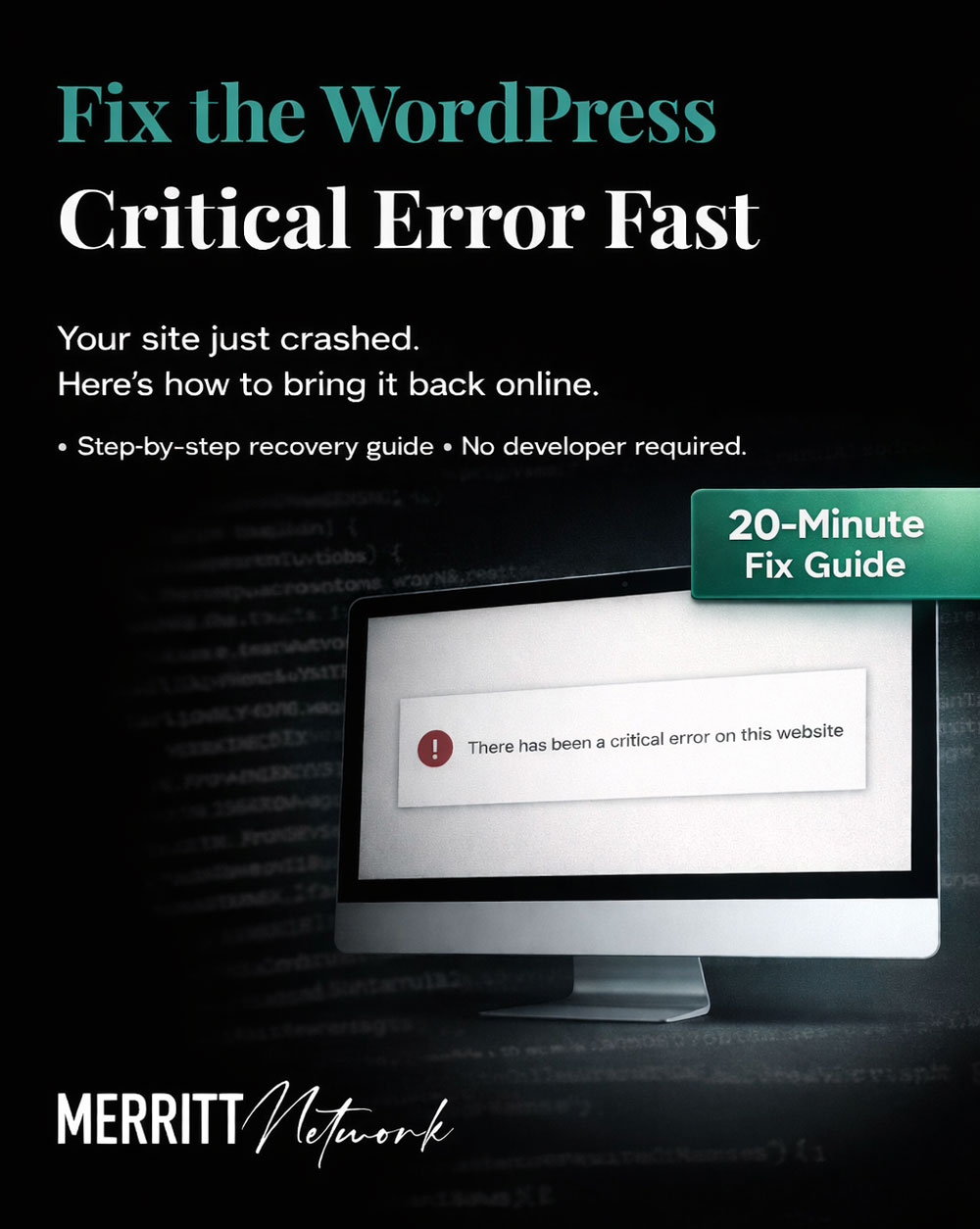
You tried to access your website and instead of your homepage, you see:
“There has been a critical error on this website.”
Or worse…a completely blank white screen.
Your heart sinks. Your site is DOWN. Clients can’t reach you. You’re losing money every minute.
Take a breath. This is fixable.
What You’re Getting:
This isn’t another generic “WordPress troubleshooting” blog post. This is a complete, step-by-step recovery guide written by someone with 13 years of WordPress-exclusive experience and 25 years in IT.
I’ve fixed hundreds of White Screen of Death errors for therapy practices, coaching businesses, treatment centers, and wellness professionals just like you.
Inside this guide, you’ll learn:
✅ What caused the error (and why it happened to YOU)
✅ How to access your site’s files when you’re locked out of your dashboard
✅ Step-by-step troubleshooting using WordPress debug mode
✅ How to identify the problem plugin or theme in minutes
✅ How to safely disable plugins without accessing your dashboard
✅ What to do if the debug log doesn’t help (alternative methods)
✅ How to prevent this from happening again
✅ Special case: Widget corruption after theme switching (an obscure issue most guides miss)
You’ll also get:
- Troubleshooting flowcharts and checklists
- Secure SFTP credential storage guidance
- Integration with your Digital Tracker system
- Clear, jargon-free explanations (written for real humans, not developers)
Who This Guide Is For:
✅ Therapists, coaches, and wellness professionals who manage their own WordPress sites
✅ DIYers who want to learn how to fix things themselves
✅ Anyone whose site just crashed and needs it back online FAST
✅ Small business owners who can’t afford to pay a developer $200+ for emergency troubleshooting
You DON’T need to be technical. If you can follow step-by-step instructions, you can fix this.
Why This Guide Is Different:
❌ Most WordPress guides are written by developers for developers. They assume you know what “SFTP” and “wp-config.php” mean.
✅ This guide is written for real people. I explain everything in plain English, with screenshots and examples.
❌ Most guides give you ONE fix. If that doesn’t work, you’re stuck.
✅ This guide gives you 10+ troubleshooting methods. We’ll try everything until we find what’s broken.
❌ Most guides leave you hanging if you get stuck.
✅ This guide comes with a safety net. Can’t fix it yourself? Apply your full purchase toward a 1-hour consulting session with me.
Here’s What Happens Next:
Option 1: You Fix It Yourself (Most Likely)
- Download the guide
- Work through the troubleshooting steps
- Your site is back online in 10-20 minutes
- You learned something valuable
- You saved $200-500 in developer fees
Option 2: You Get Stuck and Need Help
- You tried the guide but hit a wall
- Email me: “I need help, I’d like to use my purchase credit”
- We schedule a 1-hour session
- I fix your site while you watch (and learn)
- You can use what you paid for this guide as credit towards my time
Either Way, You’re Covered.
This is a completely risk-free purchase.
You’ll either:
- ✅ Fix your site yourself
- ✅ Get your purchase price off personalized expert help
There’s no scenario where you lose.
Frequently Asked Questions:
Q: I’m not technical. Will I be able to follow this?
A: Yes! This guide is written for non-technical people. If you can follow step-by-step instructions, you can do this.
Q: What if I try the guide and still can’t fix it?
A: Email me and apply your full purchase price toward a 1-hour consulting session. I’ll fix it for you.
Q: How long will it take?
A: Most people fix their site in 10-20 minutes. Some issues take longer, but the guide walks you through everything.
Q: What if my issue isn’t covered in the guide?
A: The guide covers 95%+ of White Screen of Death causes. If yours is truly unique, that’s what the consulting credit is for.
Q: Do I need special software?
A: You’ll need access to your site’s files (via SFTP or your hosting control panel). The guide shows you how to do this.
Q: Is this a video course or a PDF?
A: It’s a downloadable PDF guide (15+ pages). Easy to reference, search, and keep handy.
About Your Guide Author:
I’m Erin, and I’ve been fixing WordPress sites for 13+ years (and working in IT for 25+ years).
I specialize in helping therapists, coaches, treatment centers, and wellness professionals manage their WordPress sites without getting gouged by agencies or developers.
My philosophy: You should own and control your digital assets. That means understanding how to fix things yourself when they break (and having a trusted expert to call when you get stuck).
I’ve fixed hundreds of White Screen of Death errors, often caused by the exact scenarios covered in this guide. I know what works, what doesn’t, and how to explain it in plain English.
Ready to Get Your Site Back Online?
Click “Add to Cart” and download your guide now.
Within 5 minutes, you’ll have everything you need to fix your site—or the peace of mind knowing you can get expert help.
Your site is waiting. Let’s fix it.